What you need to know before you start email marketing
- Free email marketing tools exist in 2026 with no credit card required and real automation features included.
- A list of 10 people who want to hear from you is a real starting point. You don’t need hundreds.
- CAN-SPAM compliance comes down to five rules you can memorize in five minutes.
- Your welcome email template is the most important email you’ll ever send. A fill-in-the-blank version is included below.
- One automation, a welcome series, is all you need in month one. Don’t overcomplicate it.
- A few key metrics tell you almost everything you need to know in the first 30 days.
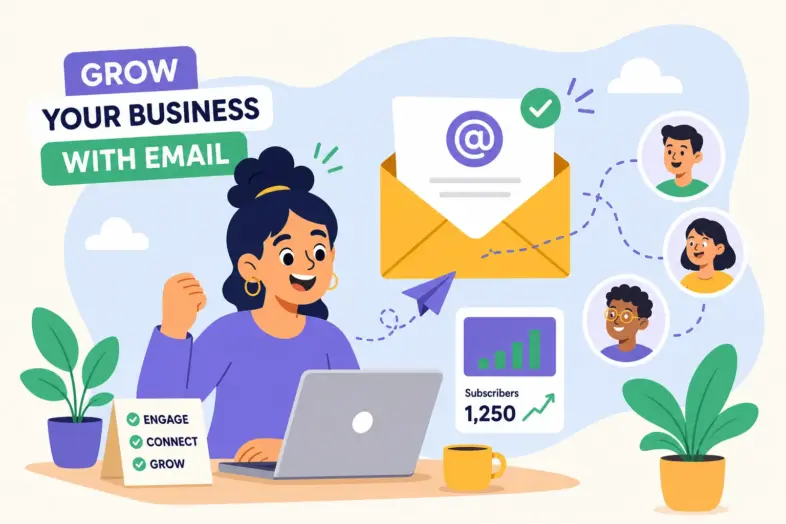
If you’ve ever asked yourself, “How do I start email marketing for my small business with no experience?”, you’re not alone, and the answer is simpler than you think. Most small business owners delay email marketing for the same reason: they tell themselves they need a big list first, a professional designer, or some technical background they never got. None of that is true. You can start with a free tool, a handful of contacts, and a single email this week.
If that sounds too simple, good. Email marketing for beginners really is that straightforward at the start. The complexity people fear is almost always added later, by choice, as the business grows. What you need right now is a plan, not a platform comparison spreadsheet.
Working With Walter was built for exactly this kind of reader: someone who didn’t grow up in the digital marketing world but is serious about building something that lasts. This guide reflects that same mindset. Here’s what we’ll cover: picking a free email service provider for small business use, building your list legally, writing your first three emails, setting up one automation, and tracking what actually matters in month one.
How do I start email marketing for my small business with no experience? Begin here.
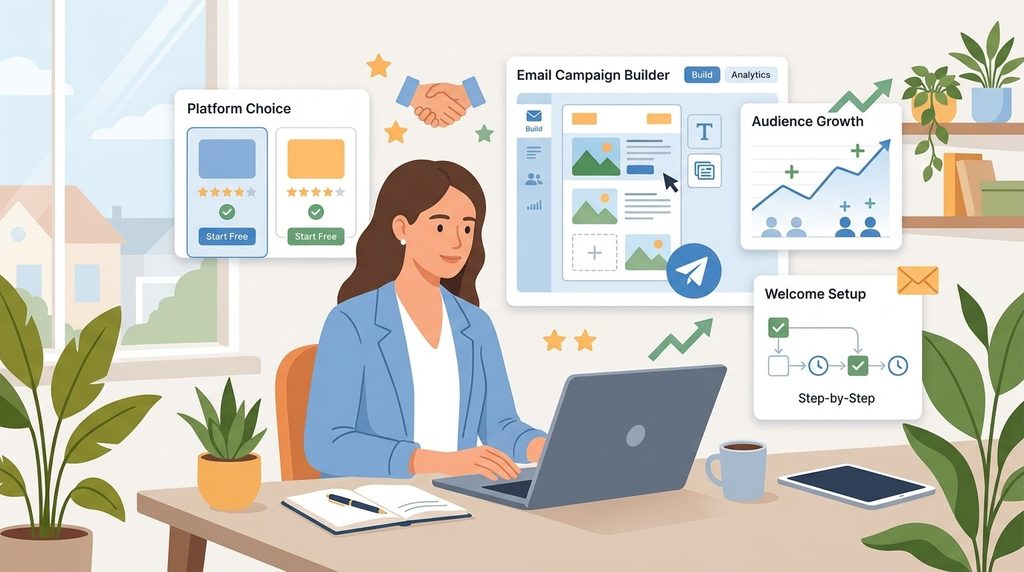
The first real decision is picking a platform. Before you can start an email list, build a welcome email template, or think about email automation for beginners, you need a tool that lets you do all of those things for free. Here’s what to look for, and what to skip.
What “free tier” actually means for a beginner
A free tier means the platform lets you use its core features at no cost, up to a certain number of subscribers or emails per month. For a beginner, look for a drag-and-drop email builder, basic automation, and a reasonable contact limit. You don’t need the most powerful tool. You need the most forgiving one.
Before going further: a business email address (yourname@yourbusiness.com) and an email marketing platform are two different things. Your business email is how you send one-on-one messages. Your platform is the tool you use to build campaigns, manage your list, and track results. Beginners often confuse the two. Zoho Mail offers a free business email on your own domain for up to five users, which makes it a solid option for the professional sender address layer.
Three tools worth trying in 2026
Brevo offers the most generous free contact storage of any major platform, supporting up to 100,000 contacts. The catch is a daily send limit of 300 emails, which works fine when you’re just getting started. It includes basic automation, a drag-and-drop editor, and a simple CRM, a reasonable choice if your list grows quickly but you send campaigns infrequently.
MailerLite sits in the middle ground. Its free plan supports around 1,000 subscribers and 12,000 monthly emails, with no daily cap. Automation and landing pages are included, which makes it a strong free option for a beginner who wants to set up a welcome series without upgrading right away. The onboarding is clean and the interface doesn’t feel overwhelming.
Mailchimp is the most recognized name in the space, but its free plan caps you at 500 contacts and 1,000 emails per month, with automation excluded. It’s worth mentioning because it’s familiar, but the missing automation makes it harder to recommend for a long-term starting point. Pick the email service provider for small business use that you’ll actually log into and use. Then start.
Building your subscriber list from zero
Why a list of 10 is a real starting point
There is no minimum list size for starting email marketing. A small, warm list of 10 people who want to hear from you will outperform 1,000 cold addresses. High open rates and real replies from a tiny list teach you more than low engagement across a bloated one.
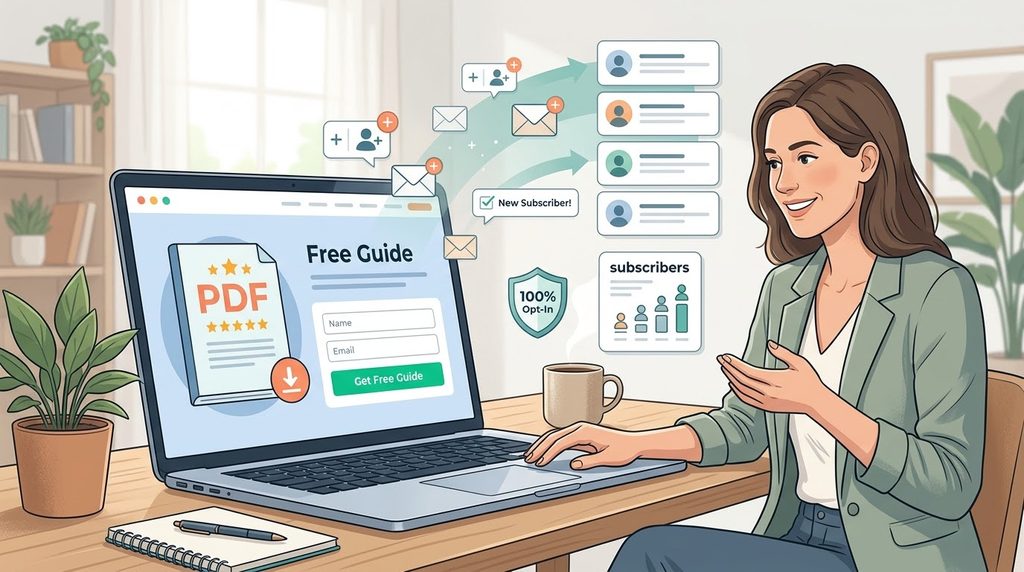
A lead magnet accelerates list growth. A lead magnet is a free, specific resource you offer in exchange for an email address. The most effective formats for small businesses are one-page checklists, fill-in-the-blank templates, and short how-to guides. Keep it small and immediately useful. A checklist someone can use in 20 minutes will convert better than a 40-page ebook, consistently.
Where to put your sign-up form
Some placements consistently outperform others when you’re trying to start an email list. Rather than spreading your form everywhere at once, focus on these three to start:
- Above the fold on your homepage: This is where the most eyes land. Pairing a sign-up form with your lead magnet offer captures immediate attention before visitors scroll away.
- At the end of blog posts: Readers who finish your content already trust you, making this a natural moment to ask for an email address.
- A dedicated landing page with no distractions: Just your offer, a short description, and a sign-up field. No navigation, no competing links.
Staying legal from day one
CAN-SPAM compliance is simpler than it sounds. Every email you send must include accurate sender information, a non-deceptive subject line, a valid physical mailing address, and a working unsubscribe link. When someone opts out, you must honor that request within 10 business days. That’s the whole framework. Think of these rules as protecting both you and your subscribers, not as bureaucratic hurdles. Build them into your template once and you never have to think about them again.
Writing and sending your first email
The welcome email template: what to say and how to say it
Your welcome email goes out the moment someone joins your list. It has the highest open rates of any email you’ll send, often above 50%, according to industry benchmarks from platforms like Mailchimp and Campaign Monitor. That makes it the most important email in your entire sequence. Keep the subject line under 50 characters, use their first name, and deliver whatever you promised when they signed up.
Here is a welcome email template you can use today:
Subject: Welcome to [Business Name], here’s your [resource/offer]
Hi [First Name],
Thanks for joining. I’m glad you’re here.
As promised, here’s your [checklist / template / guide]: [Link]
Here’s what you can expect from me: [one sentence about your email frequency and content type].
If you have a question, just reply to this email. I read every one.
[Your Name]
[Business Name]
[Physical Address]
Your next two emails
Email two, sent two days after the welcome, goes deeper on your story. Share why you started your business, what you believe about your industry, or a useful resource that doesn’t ask for anything in return. The goal is trust, not a sale.
Email three, sent four days after the welcome, introduces your product or service. Keep the offer soft. Mention what you do, who it’s for, and include one clear link. This isn’t a sales pitch. It’s an introduction.
The one automation worth setting up right away
What a welcome series actually is
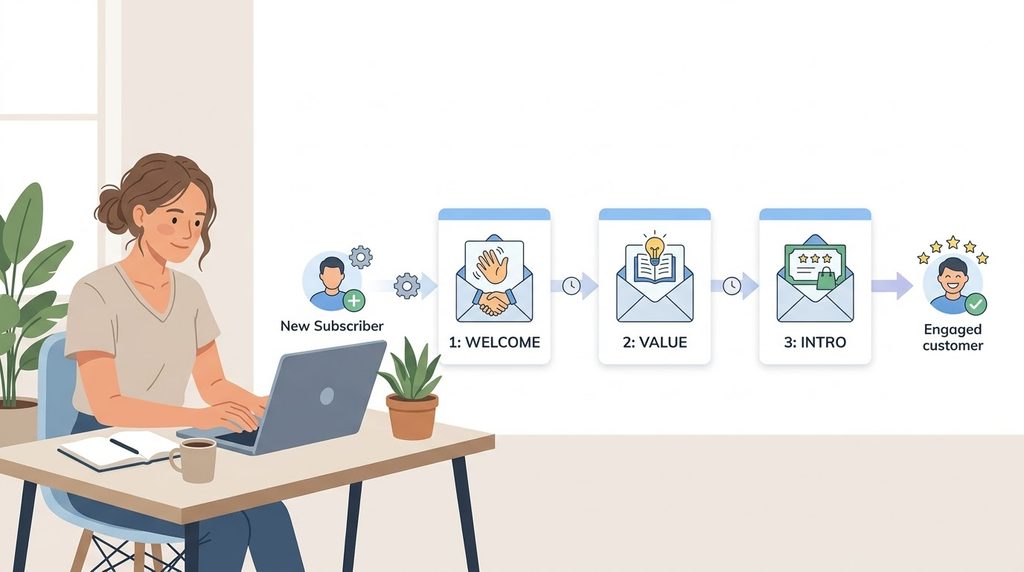
Automation sounds technical. It isn’t. A welcome series is a sequence of two or three emails that go out automatically after someone joins your list. You write them once. The platform handles the timing. That’s the entire concept.
Most free platforms include a visual workflow builder. You set a trigger (“someone subscribes”) and attach your emails with time delays between them. No coding. No complex setup. Email automation for beginners is one of the highest-value things you can set up in your first month, and it takes less than an hour.
Setting up your first welcome sequence
Here is the structure that works for most small businesses:
- Email 1: Send immediately. Deliver the promised value. Thank them for joining. Keep it short and warm.
- Email 2: Send 2 days later. Share your brand story or a helpful resource. No selling. Just building trust.
- Email 3: Send 4 days later. Introduce your product or service with a soft offer. One link, one CTA.
Write all three emails before you publish the automation. That way, everything is ready the moment your first subscriber joins.
Common questions about starting email marketing with no experience
Q: Do I need a website to start email marketing?
No. Your email platform can host a basic landing page to collect subscribers. Build the website when you’re ready. Start collecting emails now.
Q: How often should I email my list when I’m just starting out?
Once a week or twice a month works well. Consistency matters more than frequency, don’t go silent for weeks and then send five emails in a row. Your subscribers will forget who you are.
Q: What if nobody opens my emails?
Open rates below 20% are common when starting out. Test your subject lines first. Send at consistent times. After 60 days, remove subscribers who have never opened a single email. A smaller, engaged list performs better than a large, silent one.
Q: Which metrics matter most in the first 30 days?
Focus on your open rate (are people reading?), your click-through rate (are people taking action?), and your unsubscribe rate (is something pushing people away?). These numbers tell you what to fix and what to keep doing. Most email service providers for small business use surface all three inside their free dashboards.
Q: Is email marketing actually worth it for a very small business?
Yes. Email consistently delivers one of the highest returns of any marketing channel. And with a free platform, the cost to start is essentially zero.
Start with what you have right now
If you’re still asking, “How do I start email marketing for my small business with no experience?”, you now have the answer. You don’t need a big list, a technical background, or a marketing budget. You need a free platform, a simple sign-up form, and the willingness to send your first email to whoever is ready to hear from you. Pick one platform from this guide today, set up your sign-up form, and write your welcome email this week.
Working With Walter is the place to come back to when you’re ready for the next step: affiliate strategies, local lead generation, online visibility, or growing your income beyond what email alone can do. The guides here are built for people who are serious about building something real, without the noise. And when you’re ready to grow your reach beyond the inbox, getting found by customers who haven’t discovered you yet, AgencyServicesGrp.com offers online visibility services for small businesses worth exploring.
Small business email campaigns don’t have to be complicated. Start simple. Stay consistent. The plan is already in your hands.